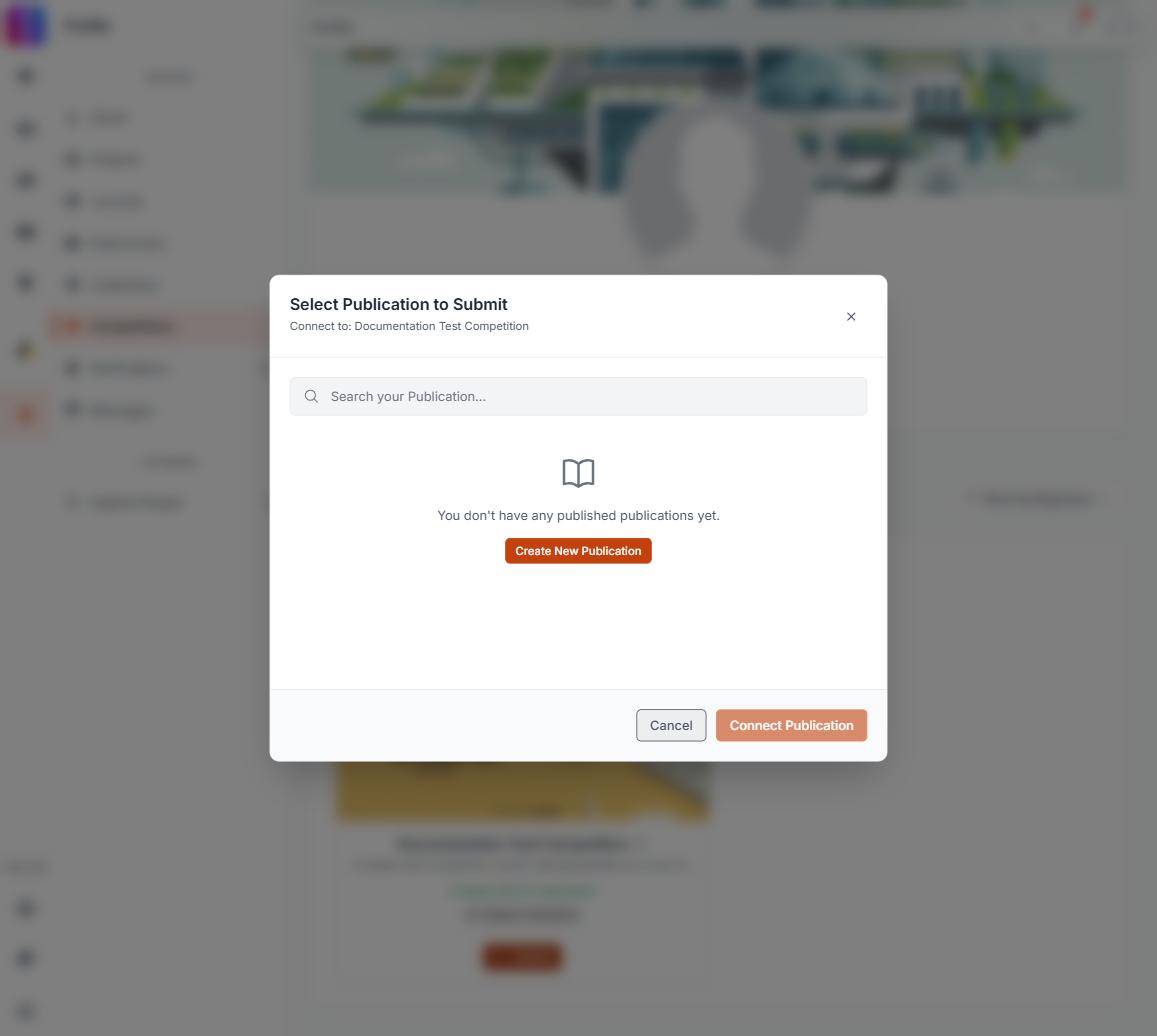
If the work you want to enter is not in the Submit window, it is almost certainly still a draft. The Submit window lists published work only. Publish the project first, then reopen the window and it will be there. Your entry, your registration and your payment are unaffected, and the submission itself is not broken.
Publish, then submit
- Open the project in the builder and finish the version you want judged.
- Publish it. How to create and publish a project covers the step.
- Go back to Competitions on your profile and open the entry.
- Select Submit, pick the project from the list, and confirm.
Publishing is what gives a project a public page. A draft has no web address at all, so there is nothing for the entry to point at. That is the whole reason it is kept out of the list.
The rule the window follows
The list is built from your own published work, of the one kind the competition accepts:
- Only published work appears. A draft is never shown, however complete it is.
- Only one type is offered, the type the competition asks for. If the competition takes publications, your published projects will not be listed, and the reverse is also true. See How can I submit a publication or journal as an entry.
- Team work counts. Anything you are a team member on is listed, not only what you created.
- A published project you are editing still appears. Publishing once is enough. Later unpublished edits do not remove it from the list.
When there is nothing to show, the window reads "You don't have any published projects yet", with journals or publications named instead where that is what the competition wants. That sentence is about publication state, nothing else.
The search box inside the window matches published titles
Searching there looks at the title of the published version. If you renamed the project and have not published the change, search for the old name, or clear the search box and scroll the list instead. Each search is run against all of your published work rather than against what is on screen, so a match surfaces even from deep in the list. With no search on, work loads 12 at a time, so use Load More before concluding that a project is absent.
Still missing after publishing
Work through these in order:
- Confirm the project is published, not just saved. Your profile's Projects section shows it under Published. See Why the Published and Drafts tabs disagree with their own counts.
- Confirm the competition asks for the type you published.
- Confirm you are on the project's team. Work created by someone who has not added you will not appear in your window.
- Close the window and open it again. The list is fetched fresh each time it opens, and again on every search and every Load More, so something published a moment ago will be in it.
Leave room before the deadline
Publishing takes effect immediately, but a project you still need to finish, publish and then attach is not a five minute job at the close of registration. Read the deadline on the competition page carefully: see Deadline time zones.