
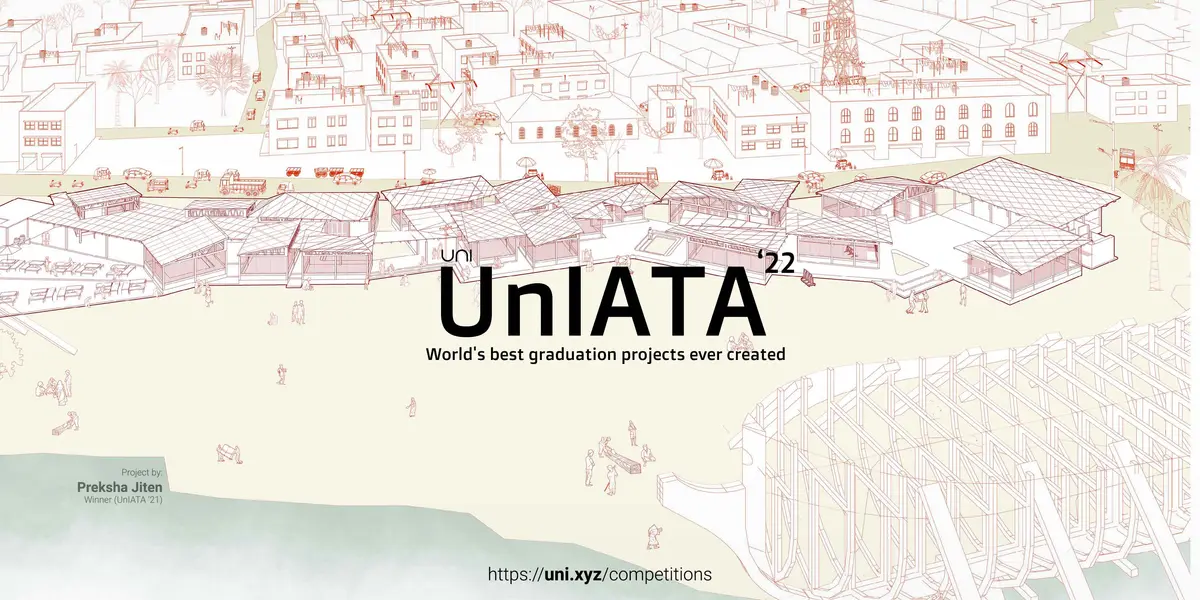
UnIATA '22
World's best graduation projects ever created
Guidelines
Additional Resources
This competition contains additional resources that contain a set of files useful to complete the competition submission. This folder is made available on your profile dashboard automatically as soon as you register.
This additional resource folder of this competition contains:
Submission Format files in PSD | AI | InDD & UnIATA - Letter of Authorization | Guide to Journal Section + Questions
Submission Requirements
- Recommended number of sheets/presentation images/boards:
6 (Six) of size [2800px x 3500px] in portrait digital format (JPEG only). - Minimum 6(Size) & No maximum sheet limit. Each image should be less than 15MB. (Do not submit PNG format)
- Minimum requisite submission are sheets/boards + Cover image containing:
- Site plan (Compulsory)
- No limit on the number of boards.
- Key conceptual sections x 1 (Minimum)
- 3D views x 4
- Cover image/Thumbnail of size 2000 x 1000 px or larger in aspect ratio 2:1.
- Floor plans, images, sketches (if any) can be added to support the entry in the form of additional images.
- Write an article/story in the Journal section# of the project (of about 700-1000 words) answering the questions given in the guide journal you receive in the additional resources.
#Journal Section appears midway in the project submission portal. More instructions in the additional resources.
To learn more about the Journal, you may check out the Journal page article.
Submission Guidelines
- Under additional resources, which you will receive after registration, you will be provided with a submission sheet template.
- Submit JPEG images only.
- Ensure that the final sheets submitted do not include your name or any other mark of identification.
- Mention sheet number on the corner of every sheet.
- All the sheets or images will be viewed on a digital device. e.g. Laptop screen or projector. Uploaded sheets or images will not be physically printed for evaluation. The submission hence should be prepared for digital viewing only.
How to submit?
Read all the competition rules and details from the left sidebar, and hit register. As soon as you register, the additional resources directly unlock on your dashboard's Competitions tab.
The submission of the entry has to happen on UNI's portal, through the project uploader, by following the process mentioned below.
No other mode of submissions will be accepted.
Once you are ready with your entry - begin uploading your project from the dashboard and follow the below tutorial to submit. In order to avoid a last-minute rush, plan and try uploading your entry prior to the submission deadline
Check the full tutorial below on how to make the submission:
You can also watch it fullscreen here: Upload Tutorial
Similar Competitions
Discover competitions you might be interested in


Design challenge to reuse E-waste

Illustrate the lost glory of Angkor Wat - Render Challenge

Photograph architecture without architects

Challenge to reimagine the Iron Throne